Tiden is live on Product Hunt. See the launch.

Test results

Tests for AI-written codethat answer to a spec.

The tests for AI-written code are the suites you already run, reported to Tiden from Playwright, Vitest, Jest, Go, PHPUnit, Swift or JUnit XML. Tiden links each result to the spec it verifies, so a green run counts only where it proves a spec.

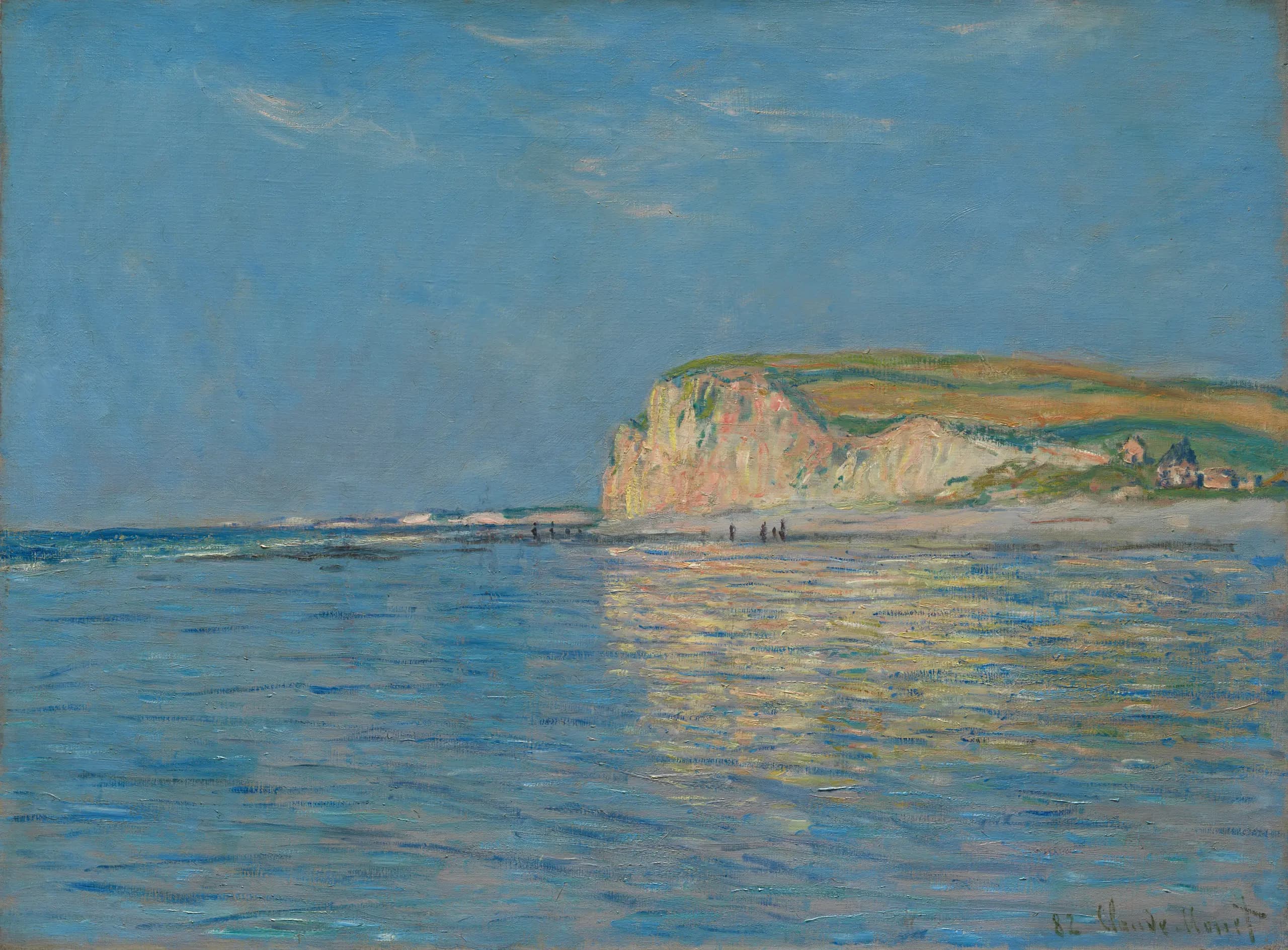
Low Tide at Pourville, near Dieppe, Claude Monet, 1882

How results count

A green run is evidence once it's tied to a spec.

Your agents write the code and often the tests that pass on it. Tiden ties each result to a spec kept outside the session and computes the gate from runs in your environment.

Any framework reports back.

Playwright, Vitest and Jest report through `@tiden` packages on npm, and PHPUnit through tiden/phpunit-reporter. Go suites run under tiden run exec -- go test ./..., Swift Testing and XCTest through tiden-swift (built from source), and anything that writes JUnit XML through tiden run report. Every path posts to the same public Test Runs API.

  • No changes to your test code
  • pytest and Surefire through JUnit XML
  • One param-free identity per logical test
Results link to the specs they verify.

Reporters send each test's source file, and Tiden matches it to the code a spec is anchored to. The link-coverage skill confirms near matches by reading the test, and specs written from a merged pull request name the tests that verify them. The gate then reads each spec as Verified, Not run or No test.

  • Links from merged PRs shown for review
  • Linked but never run reads Not run
  • Specs read Verified, Not run or No test

Runs are kept by branch and environment.

A run records the environment and git branch it ran on. A CI run lands on the Tiden branch that owns its git branch and counts toward that branch's verdict, and Test Runs filters by environment. Creating a release freezes the gate's verdict and its spec-to-test matrix, so later edits can't rewrite what shipped.

  • Environments created on first report
  • Failures grouped by cause with tiden run triage
  • Agents read runs through the CLI or MCP
Grey Day by the North Sea, with Surf, Thorvald Niss, 1890

Getting started

From your suite to the gate.

  1. 01

    Install the CLI

    Run the install line, then tiden setup to sign in, bind the repository and install the skills.

  2. 02

    Add your reporter

    Add the reporter to your framework's config, or point tiden run report at the JUnit XML your tool already writes.

  3. 03

    Run your suite

    Run tests locally or in CI as you do now. Each run arrives with its results, environment and branch.

  4. 04

    Link and gate

    The link-coverage skill ties tests to specs. tiden gate check prints the verdict and exits non-zero when it's blocked.

66%
have hit AI solutions that are almost right, but not quite. Stack Overflow 2025
45%
say debugging AI-generated code is more time-consuming. Stack Overflow 2025
“If you have an agent that decides what to build, and then another agent is grading what's being built against what was actually built, you're essentially encoding the wrong thing. Your tests will pass, they'll be green, and then it goes to production.”
A QA automation lead at a tax and accounting platform, who spent a year building his own fix

Questions, answered.

Can we trust the tests our agents write?

Often they're good tests. A 2026 study of Django and Pandas found tests from recent Claude models no weaker than the human-written ones (Leith, arXiv:2608.15188). The risk is what they test against: an agent that misreads the ask writes code and tests from the same misreading, and both pass. Tiden counts a result against a spec held outside the session. Whether that spec says the right thing stays your judgement.

Do our tests move into Tiden?

They stay in your repository, in your framework, and run the way they run today. Tiden keeps the results and one case record per test, updated from what actually ran; that sync is on by default and can be turned off per product. Remove the reporter and the suite still runs.

We use pytest, Java or something else. Is there a reporter?

Use JUnit XML. Any tool that writes it, Surefire, pytest, gotestsum or jest-junit among them, reports with tiden run report and no reporter package. Each <testcase> becomes one result with a param-free identity, a relative file attribute becomes the file Tiden links on, and uploading the same file to the same run twice adds nothing. NUnit3 and TRX files aren't JUnit XML.

How does a test get linked to a spec?

Four ways. Tiden matches the test's source file to the code a spec is anchored to. The link-coverage skill confirms near matches by reading the test, and skips a pair when it's unsure. Specs written from a merged pull request name the tests that verify them, shown on that pull request's branch. And links an agent declares in its session apply when you merge that branch.

What happens to parametrized tests and retries?

Each logical test keeps one identity with no parameter values in it, so every combination of a parametrized test reports under the same case and its history stays in one place. Retries are kept as attempts, and the latest one counts. Each result carries an id that works as an idempotency key, so a resent batch adds nothing.

How many results can we send?

Starter includes 100,000 test results a month. Team includes 1,000,000 a month per product, then $0.10 per 1,000, up to $400 per product a month. Enterprise takes any volume. The calculator on the pricing page sizes it for your suites.

Midsummer Night at Tisvilde Beach, Julius Paulsen, 1886

Report your next run against your specs.

Install with tiden setup, add a reporter, run your suite.