Tiden is live on Product Hunt. See the launch.

MCP server

An MCP server for specsand the tests behind them.

Tiden's MCP server gives Claude Code, Cursor, Codex and other MCP clients your specs, the tests linked to them, the quality gate's verdict and production errors. It reuses your tiden setup login, and agents propose spec changes on a branch for a person to merge.

Skagen Beach in Moonlight, P.S. Krøyer, 1899

What agents get

Agents read the specs first and check the gate last.

The server calls Tiden's public API with your login. Your agents see the specs, tests, runs, branches, verdicts and production issues of the products your account can open.

The agent asks Tiden before it plans.

lookup_context takes up to 8 independent questions from the agent's plan. It answers each with the specs that apply, the files they're anchored to, and the ones no test covers yet. Context stays scoped on purpose: 12 specs per question by default, 40 at most. The call opens no session and creates no branch.

  • Up to 8 plan questions per call
  • Specs anchored to repository files
  • Coverage gaps flagged per question

Agents propose on a branch. A person merges.

create_branch opens a branch off main, and create_spec and update_spec write to it when the agent names it. get_merge_preview shows the diff, and capture_intent turns a session's decisions into an intent branch. The server has no merge tool and no delete tool. Whether a spec says the right thing stays your call.

  • Spec edits on a branch off main
  • Merge preview before anything lands
  • No merge or delete tools

The verdict comes back to the agent.

gate_check computes the quality gate for a branch, a release or main: pass, blocked, not verified or risk accepted, with the next action to take. report_test_results sends the agent's runs back. get_issue_fix_context hands it a production error with the files its stack implicates and whether a test covers their specs.

  • Verdict for a branch, release or main
  • A next action with every verdict
  • Production errors with symbolicated frames
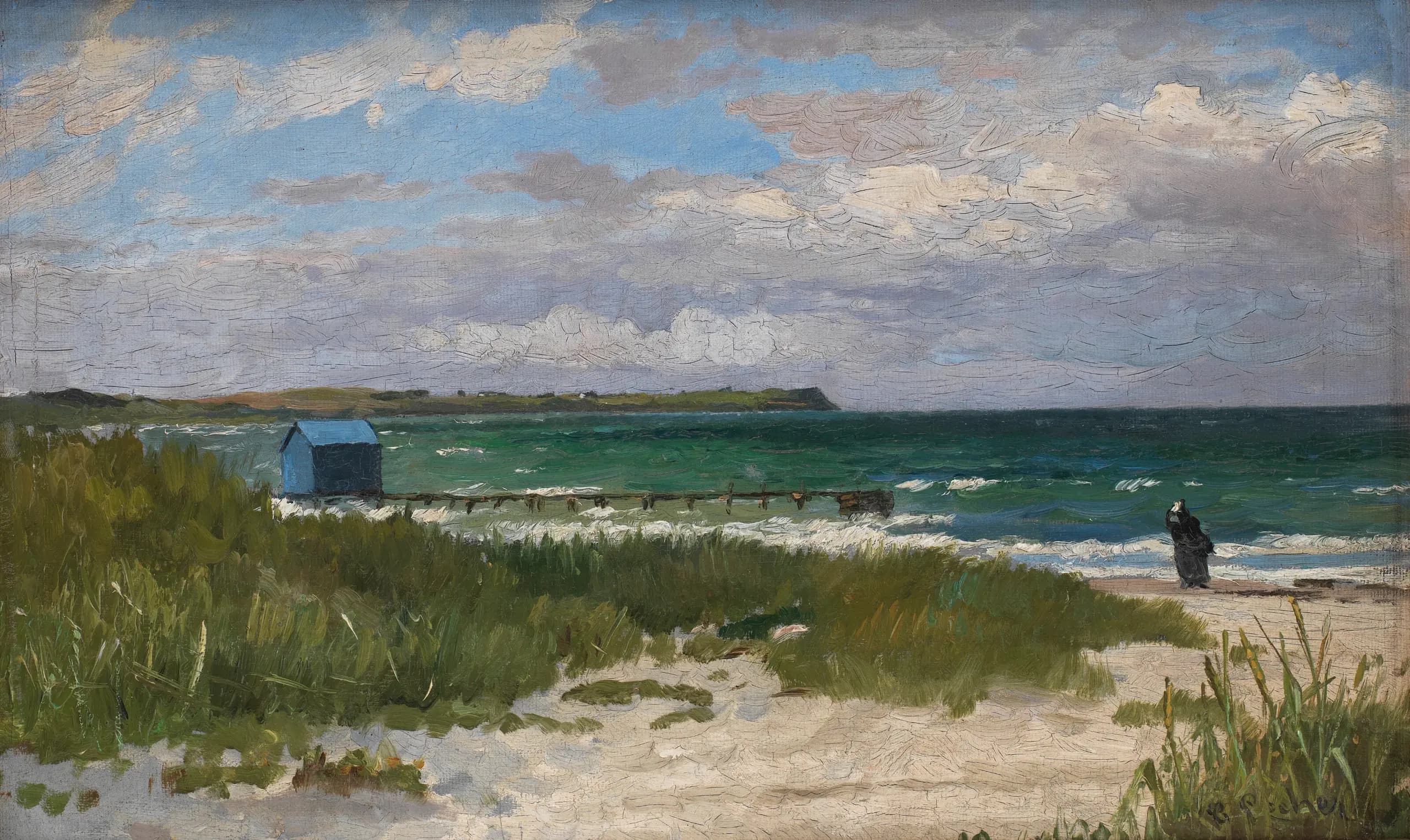
Coastal Landscape, Hornbæk, Carl Locher, undated

Getting started

Four steps, one login.

  1. 01

    Install the CLI

    The install line installs tiden and runs tiden setup, which logs you in and binds the repository.

  2. 02

    Add the server

    Download tiden-mcp-server for macOS, Linux or Windows from GitHub Releases, or go install it. Upgrade it with the CLI.

  3. 03

    Register it once

    In Claude Code: claude mcp add tiden -- tiden-mcp-server. Cursor and Codex take the same command in their MCP config.

  4. 04

    Work from the repo

    The server reuses your login and picks the workspace from the repository it starts in. It never writes your config.

20+ points
of accuracy lost when the answer moved from the first of 20 documents to the middle. Liu et al., Lost in the Middle
1.5%
gained by GPT-3.5-Turbo from 50 retrieved documents instead of 20. Liu et al., Lost in the Middle
“Performance is often highest when relevant information occurs at the beginning or end of the input context, and significantly degrades when models must access relevant information in the middle of long contexts, even for explicitly long-context models.”
Nelson F. Liu et al., Lost in the Middle: How Language Models Use Long Contexts

Questions, answered.

Which agents and editors can use it?

Any MCP client that starts a local stdio server. In Claude Code, run claude mcp add tiden -- tiden-mcp-server. In Codex, codex mcp add tiden -- tiden-mcp-server. Cursor takes it in .cursor/mcp.json and VS Code in .vscode/mcp.json, with tiden-mcp-server as the command. The tools and the login are the same in each. Setup details are in the docs.

Do I need a separate API key?

No. If you've run tiden setup, the server reads the same ~/.tiden/config.json and needs no configuration of its own. For CI or a headless harness, set TIDEN_API_TOKEN and TIDEN_BASE_URL instead. The server only reads that config: logging in, binding a repository and switching workspace stay with the CLI.

What can an agent change through it?

Specs, tests, branches, test links, test runs and issue status, through creates and updates. Everything else is read-only. No tool merges a branch or deletes a spec or test. Spec tools write to main unless the agent names a branch, so tell it which one. Treat any client you register as able to use these tools with your login.

How does it choose the workspace?

Per repository, in the CLI's order: TIDEN_WORKSPACE_ID if set, then the repository's binding, its product, its origin remote, then your only workspace if you have one. If none of those settles it, the server exits with the reason and the tiden command that fixes it. If your client starts it outside the repository, set TIDEN_WORKSPACE_ID in the MCP config.

Should my agent use the MCP server or the CLI?

Both, from one login. The CLI sets up the repository and runs the intent session: tiden intent start opens it, and closing it stays in the CLI. The MCP server suits agents that work through tool calls, and agents without session hooks, which capture their decisions through capture_intent. More on the CLI page.

My allowlist still names list_requirements. What changed?

Version 0.7.0, released 13 October 2026, gave the spec tools their current names: list_requirements became list_specs, link_requirement became link_spec, and requirement_id became spec_id. Old names aren't kept as aliases, so update allowlists such as mcp__tiden__list_requirements. JSON results keep the public API's field names, such as requirementId.

Midsummer Night at Tisvilde Beach, Julius Paulsen, 1886

Give your agents the specs before they write a line.

Start a trial, run tiden setup, then register the server.