Tiden is live on Product Hunt. See the launch.

Error tracking

Error tracking forAI-generated code.

Tiden groups production errors from your agents' code into issues and ties each to the release it first appeared in and the specs it touches. Your agent gets the trace and the coverage gap in one call; you review the fix and its new test.

Evening at Skagen, P.S. Krøyer, 1893

Error to test

Errors and tests live in the same product.

An error that reaches production marks a gap in the tests. Tiden keeps each issue beside the specs and tests of the code it broke, so the fix can close the gap too.

Point an SDK at one DSN.

Install the SDK for your stack: @tiden/telemetry-browser on npm, tiden-telemetry on PyPI, tiden/telemetry-php and tiden/telemetry-laravel on Packagist, or tiden-telemetry-go. Each one reads the product's DSN and sends the same envelope to the same endpoint, with likely personal data scrubbed by default. A runtime without an SDK posts that envelope over HTTP.

  • Browser, Python, Go, PHP and Laravel SDKs
  • Likely personal data scrubbed by default
  • Plain HTTP for any other runtime

Each error becomes one issue.

Events group by stack, without line numbers, so an issue keeps its identity when lines shift around it. Minified browser frames resolve against the source maps your build uploads. Each issue records the release it first appeared in, the last one that saw it and where it happens. A resolved issue that fires again reopens as Regressed.

  • Source maps stay private, matched by debug ID
  • First seen, last seen and resolved-in release
  • Every status change recorded with its actor
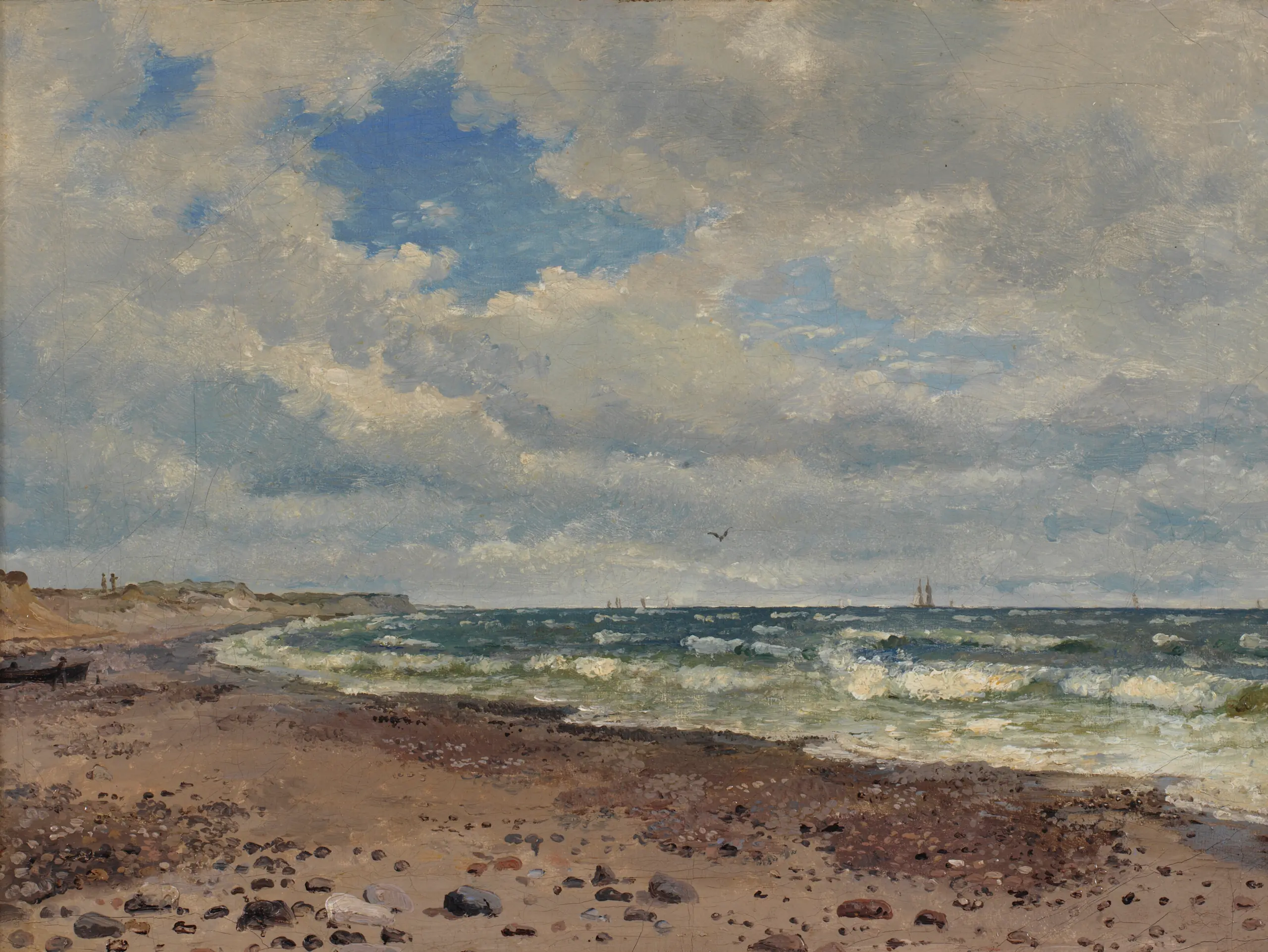
A Beach with Dunes. The West Coast of Jutland, Dankvart Dreyer, 1843

The agent fixes it and adds the missing test.

tiden issue fix-context <id> gives the agent the symbolicated frames, the files they point at, where the error happens and whether a test covers each spec those files implement. With the triage-issues skill it fixes the bug, adds a test that fails before and passes after, and links it to the spec. The change goes to your review.

  • Fix with Claude or Codex from the issue
  • The same issue tools over MCP
  • Resolved only after the fix lands

Getting started

From install to your first issue.

  1. 01

    Install the CLI

    The install line installs it and runs tiden setup, which installs the agent skills, triage-issues included.

  2. 02

    Copy the DSN

    Issues › Set up holds one DSN per product and fills it into each SDK's init snippet.

  3. 03

    Add the SDK

    Install the package for your runtime, set release and environment, and add the source-map plugin to browser builds.

  4. 04

    Throw a test error

    It shows in Issues within a few seconds, grouped, with its release and environment.

84%
of developers use or plan to use AI tools in their development process. Stack Overflow 2025
66%
count AI solutions that are almost right, but not quite, among their biggest frustrations. Stack Overflow 2025
45%
say debugging AI-generated code is more time-consuming. Stack Overflow 2025
“If you have an agent that decides what to build, and then another agent is grading what's being built against what was actually built, you're essentially encoding the wrong thing. Your tests will pass, they'll be green, and then it goes to production.”
A QA automation lead at a tax and accounting platform

Questions, answered.

Which languages does Tiden error tracking support?

Browser JavaScript (@tiden/telemetry-browser, plus @tiden/telemetry-sourcemaps for Vite, webpack, Rollup and esbuild builds), Python (tiden-telemetry), Go (tiden-telemetry-go), PHP (tiden/telemetry-php) and Laravel 12 and 13 (tiden/telemetry-laravel). All of them share one DSN contract, so any other runtime can post the same envelope over HTTP, as the ingest docs describe.

How do minified browser stack traces become readable?

The @tiden/telemetry-sourcemaps plugin writes a debug ID into each bundle and its map at build time, then uploads the maps with a CI token. When you open an issue, Tiden matches each frame to its map and shows the original file, line and surrounding source. Maps stay private and are never downloadable, and a frame whose map is missing is marked, so you know which build to fix.

How does a coding agent fix a production error with Tiden?

tiden setup installs the triage-issues skill. The agent ranks the queue, regressions first, then runs tiden issue fix-context <id> for the frames, the files and each spec's coverage. It fixes the bug, adds a test that fails before and passes after, and links it to the spec. Fix with agent on the issue page starts the same loop and stops for your review before anything is committed or resolved.

Do production errors count against the quality gate?

Yes, once Tiden can attribute them. An unresolved issue attributed to a component counts against that component's gate, and the issue page says so. Attribution comes from an explicit component tag on the event, or from stack paths that match the component's test files or path rules. Branch checks ignore production issues. A person decides what ships. See Quality gate.

Why don't Tiden issues have severity levels?

Production issues are errors, so a level on every row carried no signal, and Tiden dropped it. An issue's standing is its status (unresolved, ignored or resolved, with regressions flagged), how often and where it happens, and whether it counts against a gate. Sort by events, age or last seen, or switch to Spiking, New today or Regressed.

What does the SDK send, and what gets scrubbed?

The exception and its stack frames, breadcrumbs, tags, release and environment, plus request details where a middleware captures them. Every SDK scrubs likely personal data unless you opt in, and a before-send hook lets you edit or drop any event. Tiden strips sensitive headers and cookies before storing an event. The DSN key can only send events; it can't call the API.

Midsummer Night at Tisvilde Beach, Julius Paulsen, 1886

Turn the next error into a fix and a test.

Add an SDK. Hand the next production error to your agents.